새 페이지 5
Why to Perform a Site SurveyIn
a word, wireless site surveys are necessary because radio wave propagation is
difficult to predict, especially in non-open space environments. It is virtually
impossible to consider all the variables that might affect the health and
performance of your WLAN. Changing conditions, even something as seemingly minor
as a notebook equipped with a legacy 802.11g adapter that your new employee
connected to the office wireless network, might seriously impact the WLAN
performance. In addition, considering the wide proliferation of wireless
infrastructure, factors such as interference from nearby WLANs play a very
important role. This is why regular site surveys that are conducted with a
professional tool are important.
When to Perform a Site Survey
Pre-deployment surveys: At this stage, a site survey is necessary in
order to verify that the network plan works well in a real-world environment.
Placement of temporary access points and a quick survey of the resulting WLAN
characteristics allow an engineer to fine-tune AP and antennae placement,
determine the optimal number and types of APs and antennae, and avoid poor
coverage zones.
Post-deployment surveys: Once a WLAN has been deployed, a complete
verification site survey is necessary to ensure that the WLAN performance and
coverage meet the design requirements. At this stage, the Wi-Fi equipment
placement is finalized and a site survey report should be generated so that the
historical records can be accessed at any time in the future.
Regular, ongoing surveys: Maintaining high performance and coverage
requires regular "check-up" surveys. New users, new equipment, site expansion,
neighboring WLANs, and other factors can adversely affect your WLAN. It should
be monitored on a regular basis.
Who Needs TamoGraph
-
-
Wireless service providers
-
Wi-Fi equipment vendors
-
Consultants
System Requirements
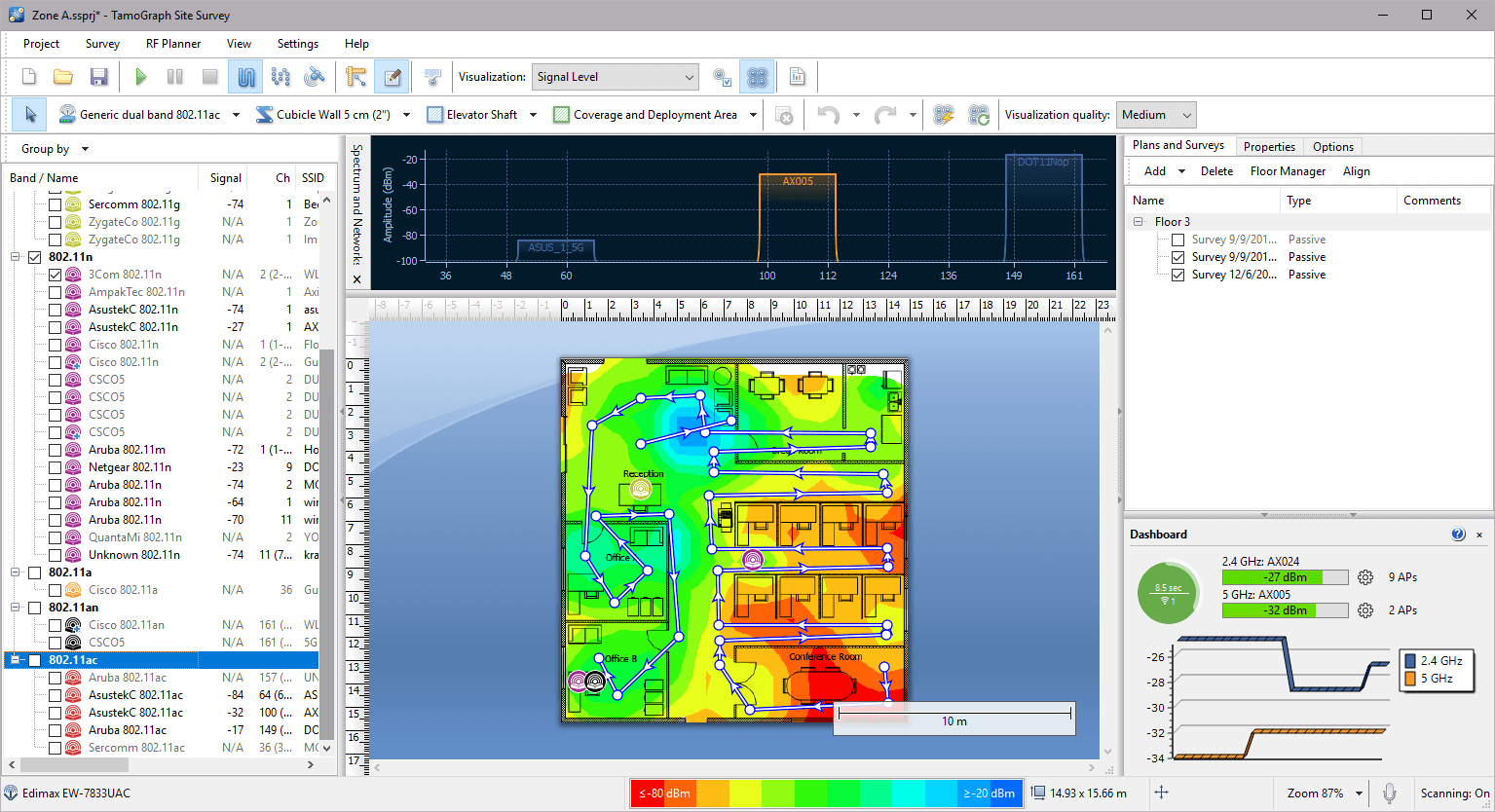
TamoGraph runs on Microsoft Windows 7, Windows 8, Windows 8.1, Windows Server
2008 R2, Windows Server 2012, Windows Server 2012 R2. Both 32- and 64-bit
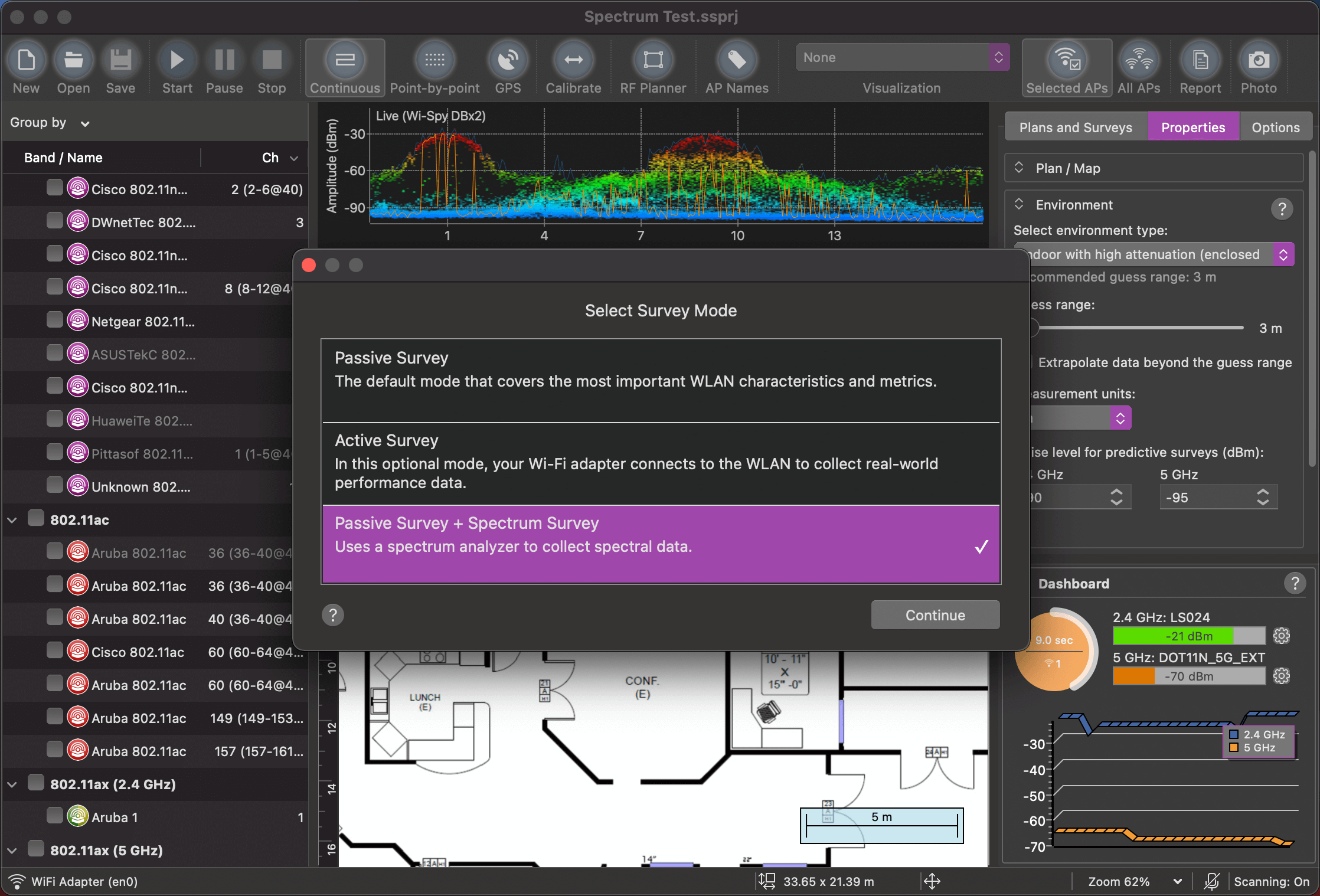
versions are supported. You can also perform
Wi-Fi site surveys using MacBooks. TamoGraph requires a compatible wireless
network adapter. To view the list of the adapters that have been tested and are
compatible with TamoGraph